
Everyone has watched a video freeze on a spinning wheel. On a phone it's an annoyance. On a screen facing the back seat, it's an ad for a brand that froze, and a rider who looks back down at their phone.
Drivers know exactly where it would happen: under the overpass, in the parking garage at the airport, on the block downtown where every phone drops to one bar. So Vugo screens don't stream their ads.
Download once, play from storage
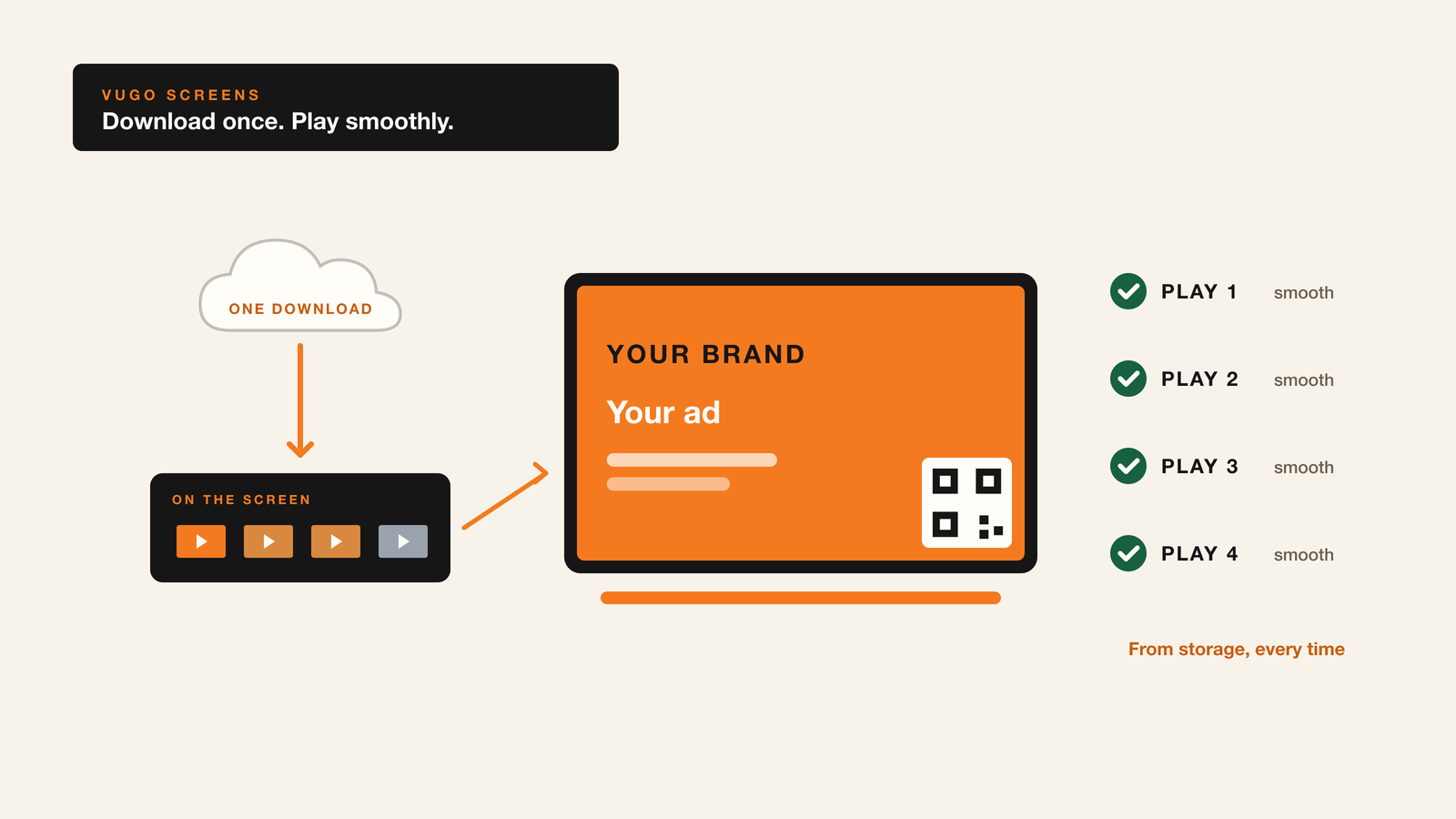
A Vugo screen keeps its own copy of every ad it can play. When a campaign comes to your screen, the screen downloads the video once and saves it to its own storage. From then on, every play of that ad comes from the screen itself, not from the internet.
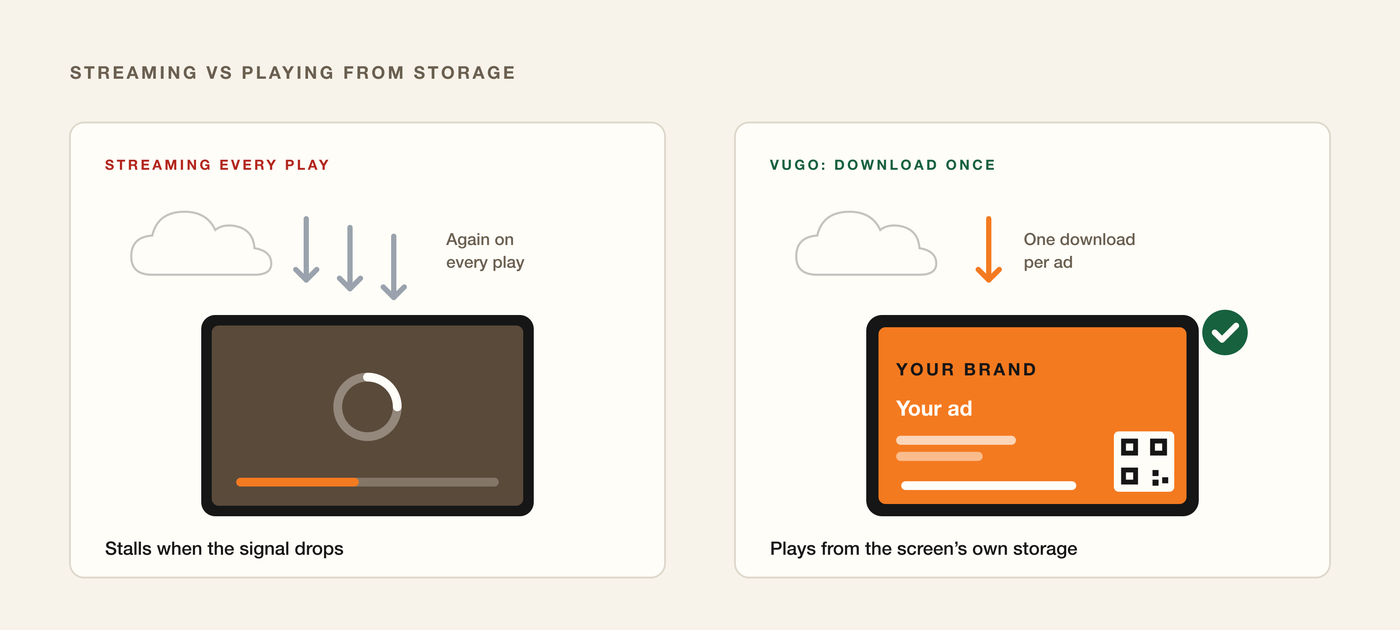
New ads download in the background, while the screen keeps playing what it already has.
The same goes for everything else the screen plays:
- Your fleet's own videos. For fleets that show their own messages to riders, those videos are saved to the screen the same way.
- Vugo's own house content. The screen always keeps Vugo's default content on hand, so it never has an empty slot.
Smooth for riders
Playing from storage means the ad starts the moment its slot comes up, plays at full quality all the way through, and doesn't care what the signal is doing outside. Tunnels, garages and dead spots don't interrupt it.
That's good for the advertiser, who paid for a clean play, and good for the rider, who gets a screen that works like it should. And it's good for you: a screen that looks reliable is a screen advertisers keep buying.
Easy on your data plan
Streaming would download the same video every time it played, again and again over a shift. A Vugo screen downloads each ad once, however many times it plays.
What's left on the connection is small: the screen checking which ads it should have, asking which one to play next, and reporting each play. That's a fraction of what streaming every play would take.
The screen keeps itself tidy
You never have to clear old ads off the screen.
- When a campaign ends, or is taken off your screen, its video is cleared from the screen automatically.
- When an advertiser swaps in a new version, the screen downloads it, and the old one is removed once it's off the campaign.
The screen's storage holds what it's playing now, and nothing it doesn't need.
Storage plays the ad. The connection makes it count.
Here's the part that matters for your earnings. Saving ads to the screen doesn't mean the screen can earn offline. It can't. A screen needs to be online and out on the road to earn, because the connection does two jobs storage can't.
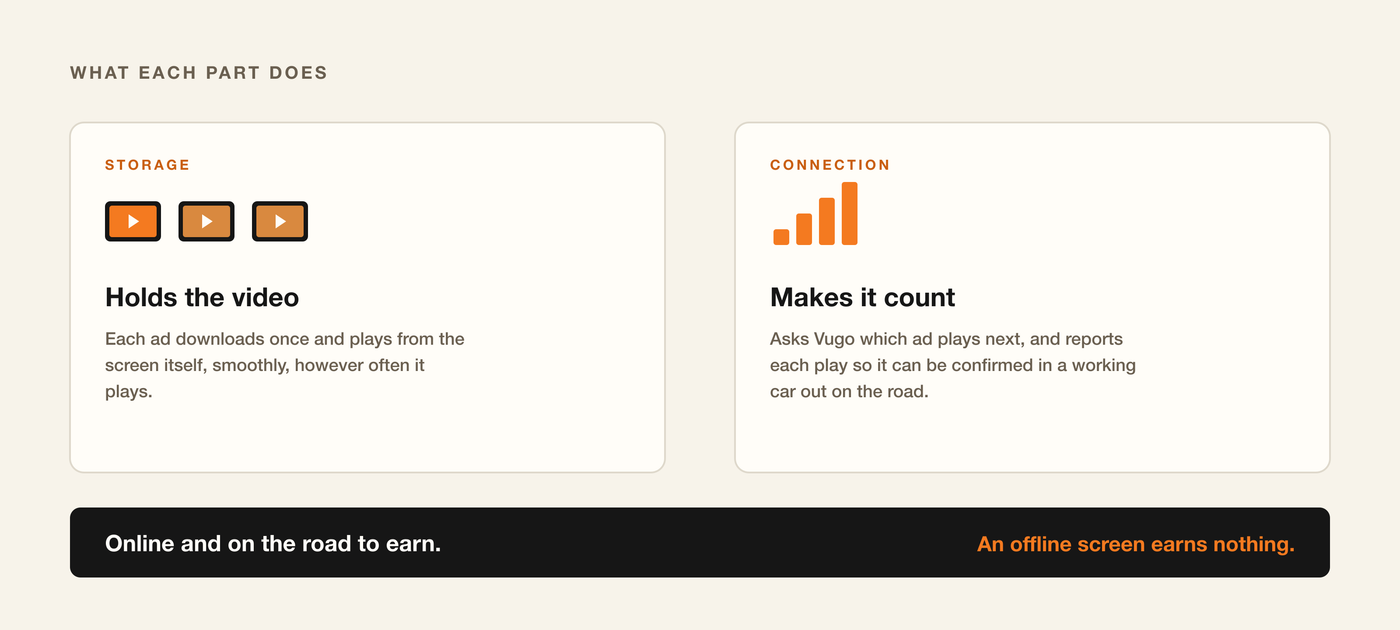
- It decides what plays. For every slot, the screen asks Vugo which ad comes next, based on the campaigns running in your area and the advertisers' priorities.
- It reports what played. Advertisers pay only for validated impressions: plays confirmed in a working car out on the road. Each play is reported, with where the screen was, so Vugo can confirm it. That's what you earn from.
If the signal drops for a moment, the screen keeps the record of what played and sends it as soon as it's back. If the screen can't reach Vugo at all, it shows Vugo's own house content from storage instead of an error, so riders never see a broken screen. None of that house content is billed to anyone or paid to anyone. An offline screen earns nothing until it's back.
Keep it earning
The habits that keep a screen earning are simple:
- Keep it powered. Mounted to face the back seat and wired to the car's power, so it never runs down.
- Keep it online. A reliable data connection, all shift.
- Keep location on, so every play can be confirmed.
- Leave it running. Start the screen at the beginning of your shift and let the ads play through.
Drivers can check what a screen needs on the drivers page, and fleets fitting embedded headrest screens can follow the installation guide.
Vugo doesn't provide screens: a driver's screen is a tablet of their own, and a fleet fits its own. See how driving with Vugo works, or see what Vugo does for fleets.