
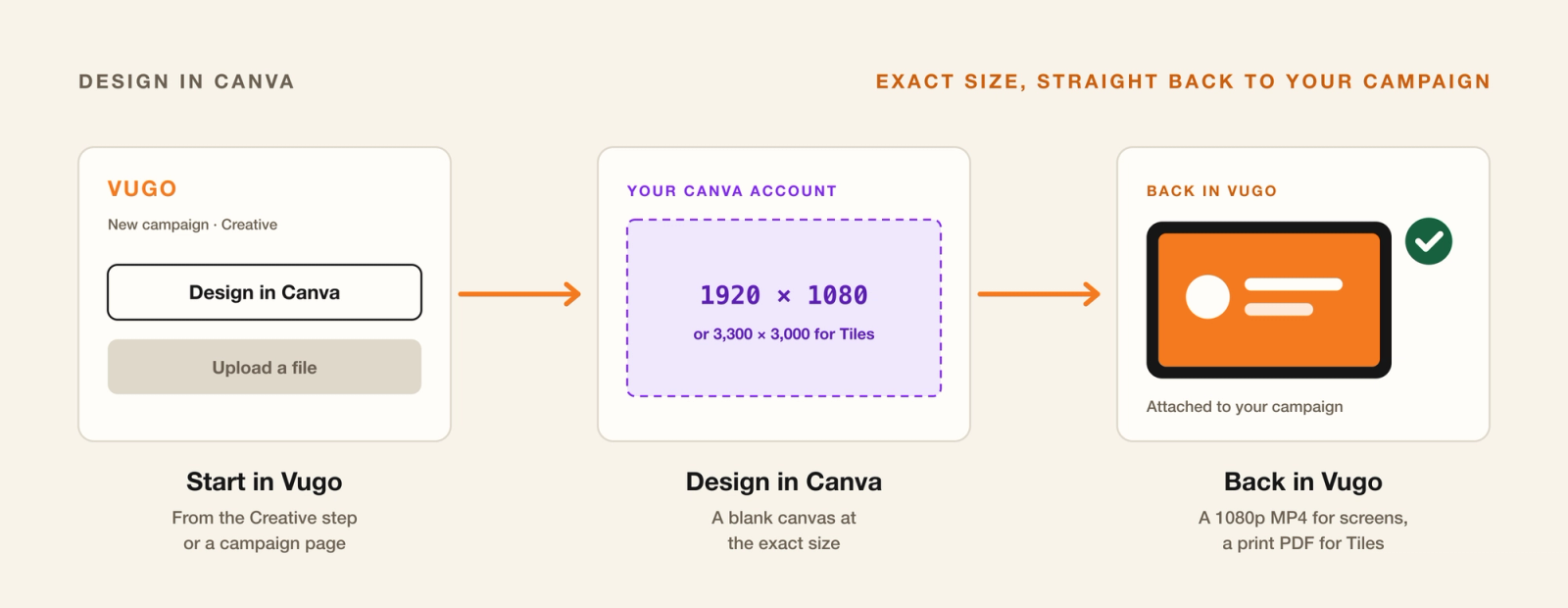
Good creative shouldn't need a design agency. If your team already designs in Canva, you can now design your Vugo ads there too, at exactly the right size, and send them straight back to your campaign without exporting, resizing or uploading a thing.
How it works
Connect once, then design from wherever you are in Vugo Platform.
- Connect Canva. In Settings, press Connect to Canva and approve the connection. Vugo asks only to create designs and to read and export them. The connection covers your whole company account.
- Start a design. On a campaign's Creative step, or on a running campaign's page, press Design in Canva.
- Design at the exact size. Canva opens a blank canvas already sized for the format you're designing.
- Come back. Return to Vugo from the Canva editor, and the design arrives on your campaign.
Exactly the right size
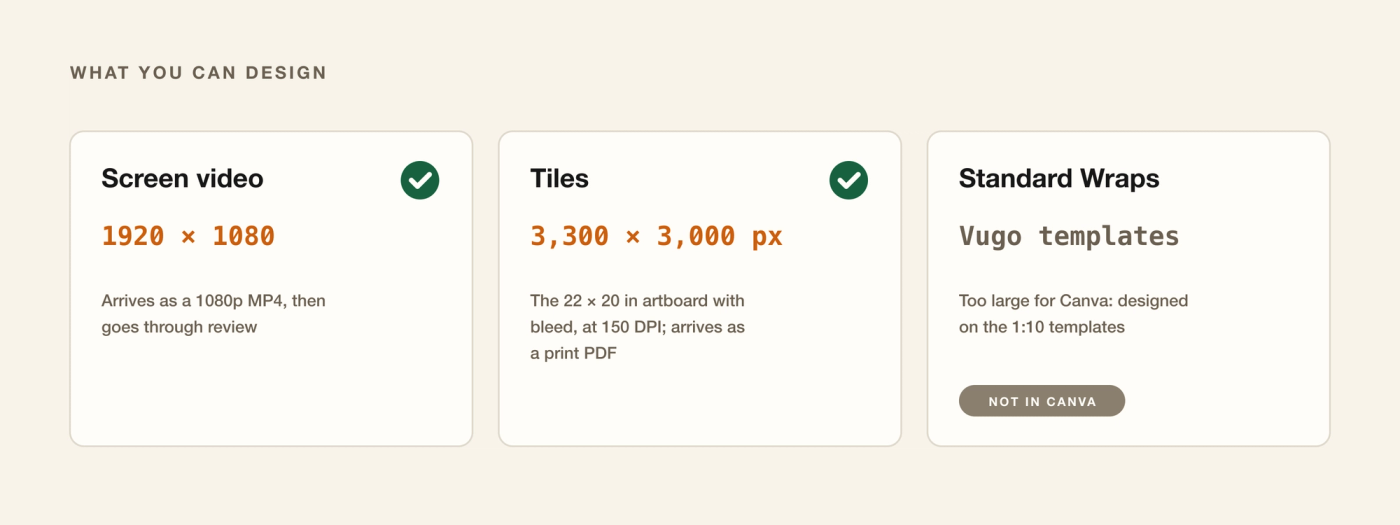
- Screen video: a 1920 × 1080 canvas. It comes back as a 1080p MP4, goes through review like any upload, and appears in your Library.
- Tiles: a 3,300 × 3,000-pixel canvas, the full 22 × 20-inch artboard with bleed at 150 DPI. It comes back as a print PDF attached to your campaign.
- Standard Wraps are far larger than Canva allows, so they're designed on the Vugo 1:10 templates instead.
A few things to know
- Captions carry it. Sound is optional, so put your message on screen.
- Color. Canva delivers designs in RGB. The print shop converts Tiles for printing, which can shift brand colors slightly, so check your brand colors on the proof.
- Premium elements. If a design uses Canva premium elements you haven't paid for, Vugo won't bring it over. We never accept a watermarked version.
- Review. Every design goes through the same review as an upload before it reaches cars.
Designing for the road
A screen is seen from the back seat of a moving car, and Tiles from the sidewalk. Keep it simple: one message, big type, strong contrast, and a clear next step. The ad specs and creative guide has the full details for every format.
See Tiles, explore in-vehicle screens, or talk to us about your campaign.