
Your tablet.
Your back seat.
Your earnings.
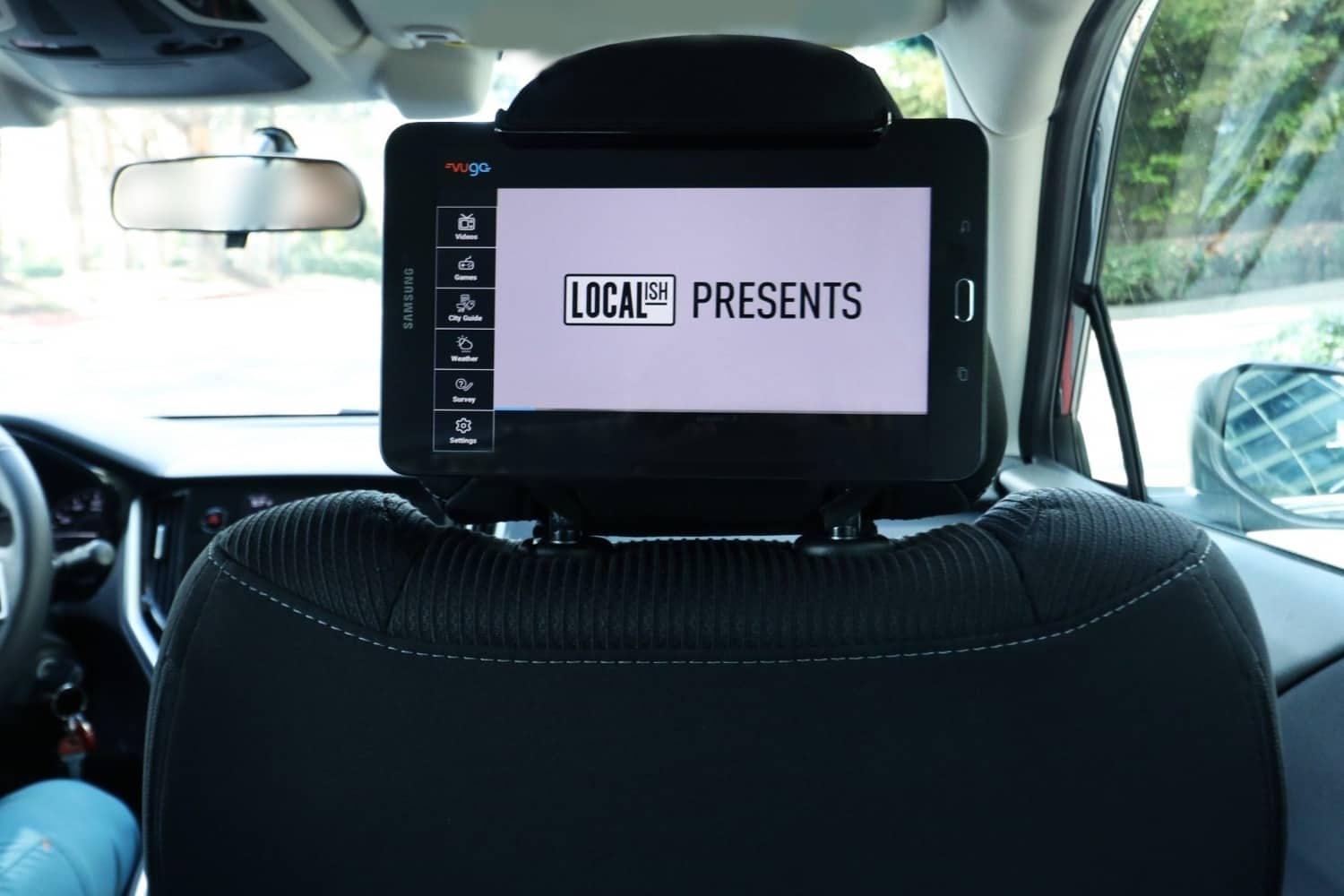
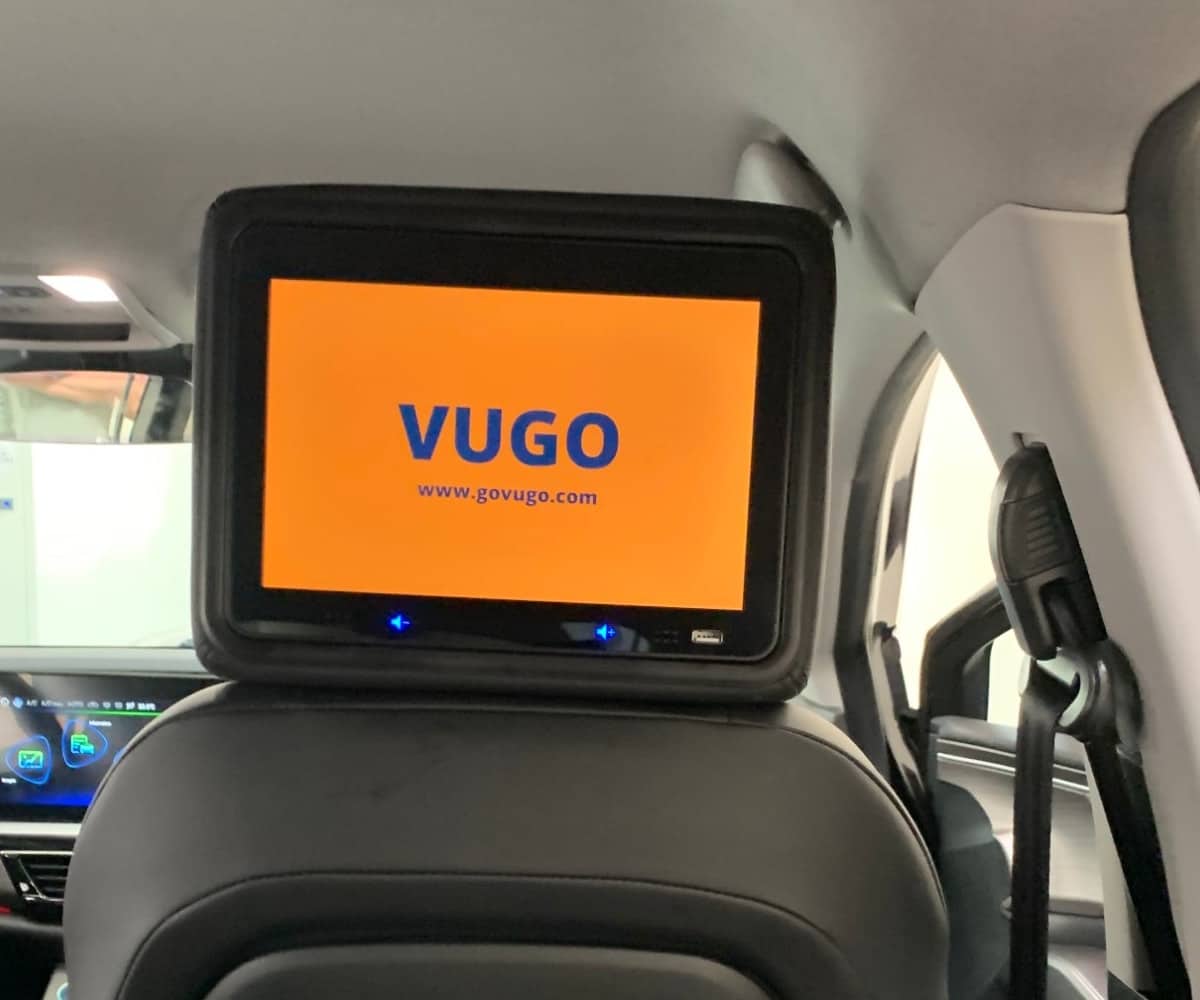
Rideshare tablet advertising lets you earn from ads that play on a tablet mounted to face the back seat. With Vugo®, the tablet is your own: you mount it, keep it online, and earn from the ads it plays while you drive for Uber, Lyft, a taxi company or another fleet.
Four steps
to a working screen.
Check your tablet
An Android tablet 7 inches or larger on Android 7.0 or later, or an iPad on iPadOS 15 or later. Your phone stays separate.
Sign up with Vugo
Apply to drive with Vugo, and Vugo confirms your market and gets your tablet set up.
Mount it facing the back seat
Secure it to the back of a front headrest and plug it into the car’s power.
Drive and earn
The tablet plays ads while you’re out on the road. You earn from the plays Vugo can confirm, paid monthly.
Step by step: how to mount your tablet →
The tablet
is yours.
Vugo doesn’t provide tablets or screens. The screen your passengers see is a tablet of your own.
- Tablet
- An Android tablet 7 inches or larger, or an iPad
- Software
- Android 7.0 or later, or iPadOS 15 or later
- Your phone
- A separate device. A phone can’t be the screen.
- Location
- Turned on, so Vugo can confirm where each ad played
- Connection
- Online while you drive; an offline screen earns nothing until it’s back
- In the car
- Mounted to face the back seat and plugged into the car’s power
Paid for the ads
that actually ran.
Confirmed plays
Your tablet plays a loop of ads while the car is out on the road. A play counts when Vugo can confirm it happened in a working car, so keep the tablet online, located and powered.
Paid monthly
Earnings are paid out monthly. What you earn depends on the ads running in your market and how much your tablet is out on the road, so Vugo doesn’t promise a figure.
Ads that fit the car
Every ad follows Vugo’s Content Guidelines. Passengers see a short video with a QR code they can scan if they’re interested.
Rideshare tablets, answered.
Does Vugo give me a tablet?
No. Vugo doesn’t provide tablets or screens. The tablet is your own, and it needs to meet the requirements.
What tablet do I need?
An Android tablet 7 inches or larger on Android 7.0 or later, or an iPad on iPadOS 15 or later. It needs location turned on and a connection while you drive.
Can my phone be the screen?
No. Your phone stays a separate device for driving. The screen is a tablet facing the back seat.
Who can apply?
Drivers on Uber, Lyft, taxi and other fleets can apply. Screens run in many markets across the U.S.; sign up and Vugo confirms yours.
Can I choose which ads play?
No. Drivers can’t block ad categories or advertisers, and every ad follows Vugo’s Content Guidelines.
How do I get paid?
Monthly, for the plays Vugo can confirm happened in a working car out on the road.
Can I earn more from my car?
Yes. Many drivers also carry Tiles on their doors or a full wrap for a campaign. See driving with Vugo →
Drive with Vugo
Screens, Tiles and wraps: every way to earn with your car.
ExploreHow to mount your tablet
Getting the tablet secure, powered and facing the back seat.
ReadTiles on your doors
20 × 18-inch panels you apply yourself, two or four per car.
ExploreVehicle wraps
Carry a full or partial wrap for a campaign in your city.
ExplorePut your tablet to work.
Apply to drive with Vugo, and we’ll confirm your market and get your screen set up.